Reactis for Simulink
Reactis for Simulink reads and processes .slx files
created in the Simulink® environment of MathWorks. Reactis® consists of three
main components: Reactis Tester,
Reactis Simulator, and
Reactis Validator.
Reactis Tester
Generate tests automatically
Will unexpected inputs cause a runtime error?
How much of my model have I really tested?
Reactis Tester employs a patented technology called guided simulation to build test suites. The tool tracks an array of coverage metrics as it generates test data, and it uses uncovered targets of these metrics to influence the creation of subsequent test steps.
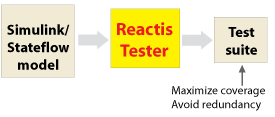
Coverage metrics include generic objectives such as Decision,
Condition, and Modified Condition/Decision Coverage (MC/DC),
Simulink-specific measures such as branch and subsystem, and
Stateflow-specific metrics such as state, condition-action, and
transition-action.
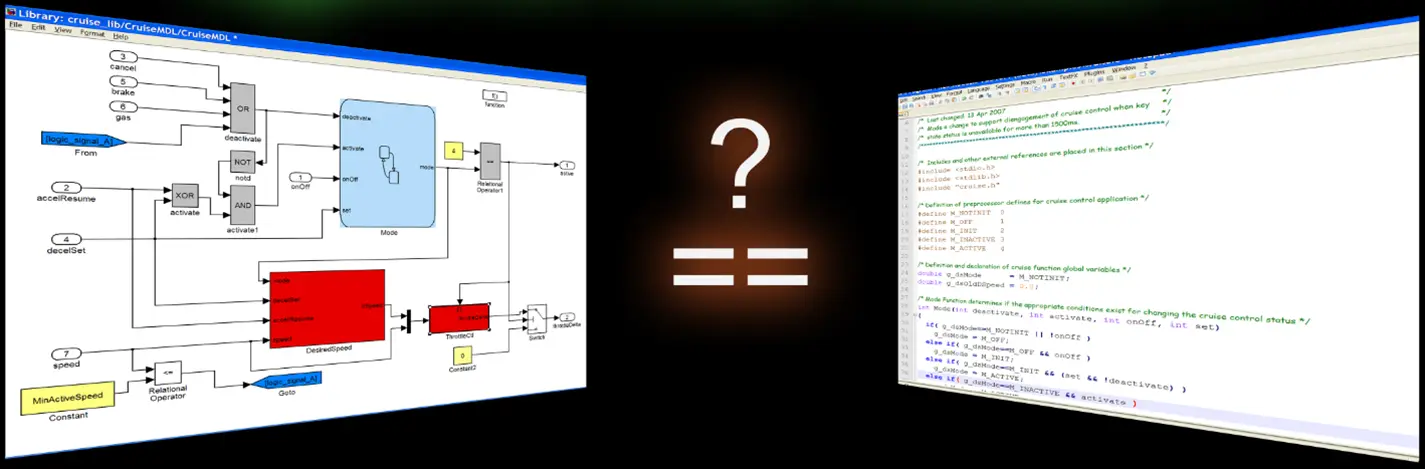
Testing code (auto-generated or hand-written) against your model is easy with Reactis:
- Generate tests from model
- Run tests on code
- Differences are automatically detected and flagged.
Reactis Simulator
Simulate and debug
How do I understand, diagnose, and fix a bug?
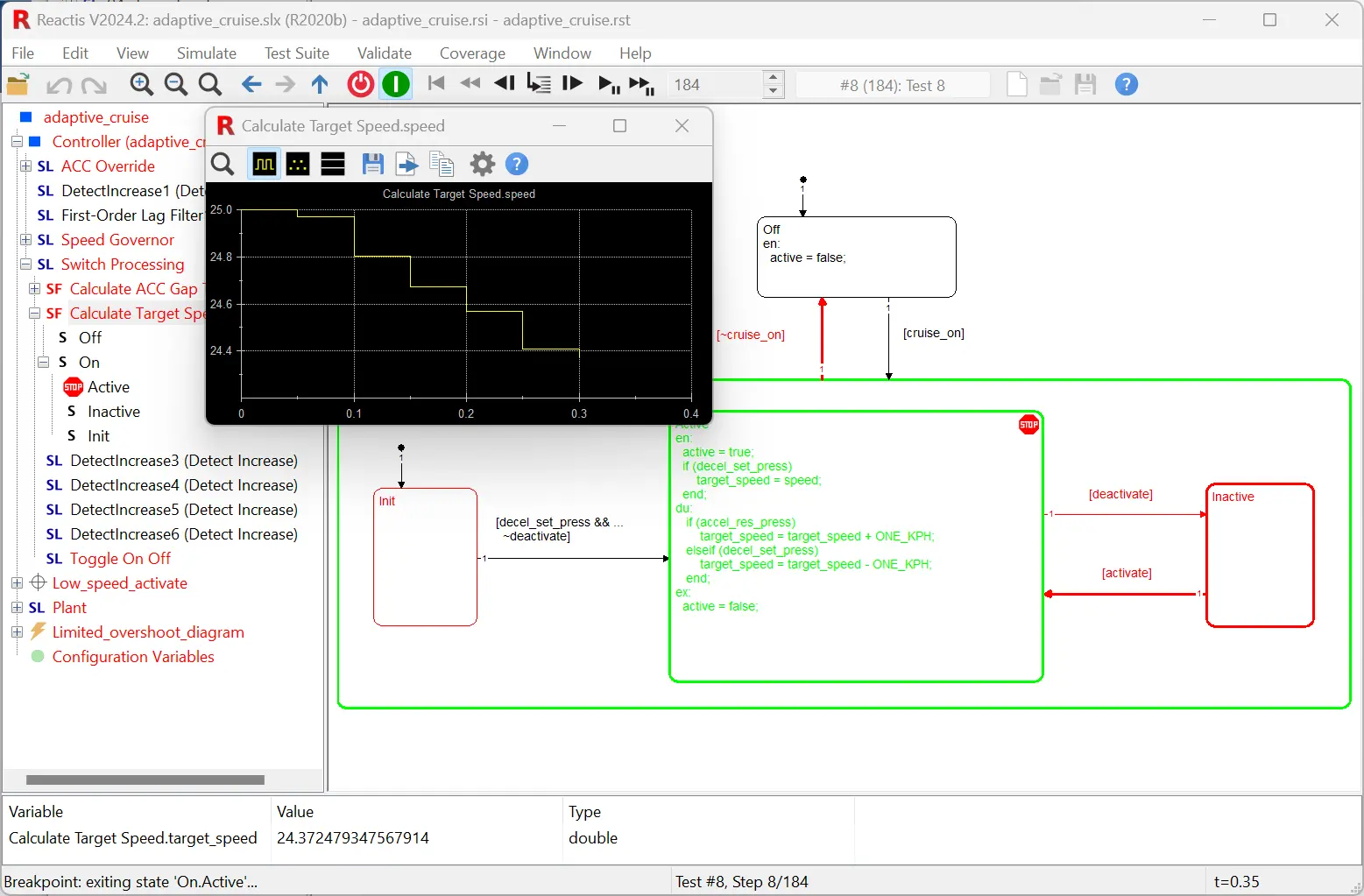
- Execute a block, single step, or multiple steps at a time.
- Reverse execution.
- To see data values, hover with the mouse, open a scope, or add to watched variables.
- Unexercised parts of model are highlighted in red.
- Generate detailed coverage reports.
- Breakpoints.
- When using the Reactis for C Plugin or the Reactis for EML Plugin, it's like having an advanced source code debugger right in your Simulink environment. Debugging Simulink, Stateflow, Embedded MATLAB, and C code is all controlled from the same simple interface.
Reactis Validator
Check requirements
Will the brake always deactivate the cruise control?
Validator uses a test and check approach for verifying models. You first instrument your model with checks that monitor whether behavior is consistent with expectations. Validator then uses the test-generation component of Tester to create and run test data to see if any checks can be violated. These tests can then be used to diagnose the cause of any abnormal behavior detected.
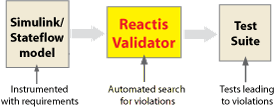
Checks are specified by defining a collection of assertions and user-defined targets. Assertions are properties that should always be true if the model is functioning properly. User-defined targets specify behaviors that should be tested in order to verify that requirements hold. During test-generation, Reactis attempts to violate assertions and exercise user-defined targets. Both assertions and user-defined targets may be formulated as either c-like expressions or as a Simulink/Stateflow observer diagram.
Test the Entire Model
Plugins integrate seamlessly with Reactis for Simulink to extend white-box testing to the C code or Embedded MATLAB portions of your model. Together they provide a comprehensive testing solution for model-based design.
Reactis for C Plugin
Test the C code in C Caller blocks, S-Functions, and Stateflow custom code.
- Identify coverage targets in the C code
- Generate tests to exercise targets in C code
- Detect runtime errors in C code
- Debug C code: step into the code view variable values, set breakpoints, visualize coverage
Reactis for EML Plugin
Test the Embedded MATLAB (EML) code in MATLAB Function blocks, truth tables, Stateflow state actions, or in external `.m` files.
- Identify coverage targets in the EML code
- Generate tests to exercise targets in EML code
- Detect runtime errors in EML code
- Debug EML code: step into the code view variable values, set breakpoints, visualize coverage
Reactis for Simulink is ISO 26262 Certified
TÜV SÜD has certified that Reactis for Simulink is qualified for safety-related
development according to ISO 26262, up to ASIL D.
More About ISO 26262 Compliance →
Learn More


